Sukesh Periyasamy
Medical Technology & AI Researcher
Junior Research Fellow at IIT Jodhpur integrating computational analysis, biomedical instrumentation, and machine learning to build clinically grounded AI systems for early disease detection.
Get in TouchAbout Me
I am an early-career researcher with a Master in Medical Technology from IIT Jodhpur (jointly with AIIMS Jodhpur). My journey began with coding and software development, but it quickly evolved. Programming taught me how to build software, while exploring hardware internals taught me how computers function. During my B.Sc. in IT and Master of Computer Applications (MCA), I honed my programming skills and built machine learning models. I then asked a fundamental question: What if the software I built could solve problems beyond computers and directly improve people's lives?
This led me to pursue interdisciplinary research at the intersection of engineering, medicine, and AI. Entering an interdisciplinary environment where engineers, clinicians, and biomedical researchers worked together completely changed my perspective. I realized that developing healthcare technologies requires much more than technical knowledge—it requires understanding biological systems, clinical practice, experimental research, and the real challenges faced by patients and healthcare professionals.
Today, as a Junior Research Fellow at IIT Jodhpur, I work on developing Surface-Enhanced Raman Spectroscopy (SERS) biosensors for the label-free detection of sepsis-related biomarkers. My research spans microfabrication, structural characterization using Scanning Electron Microscopy (SEM), and computational analysis of Raman spectra. Alongside this, I developed an EMG-based human-computer interaction system using Arduino, BioAmp EXG sensors, and Unity. I believe the future of healthcare lies in the thoughtful integration of intelligent algorithms, reliable biomedical devices, and clinical expertise.

Technical Skills
Programming
Scientific Computing
Data Analysis
Machine Learning
Signal Processing
Spectral Analysis
Fabrication & Morphology
Web & Mobile
Software & Platforms
Work Experience
Indian Institute of Technology Jodhpur
Junior Research Fellow (JRF) — Funded by TCS
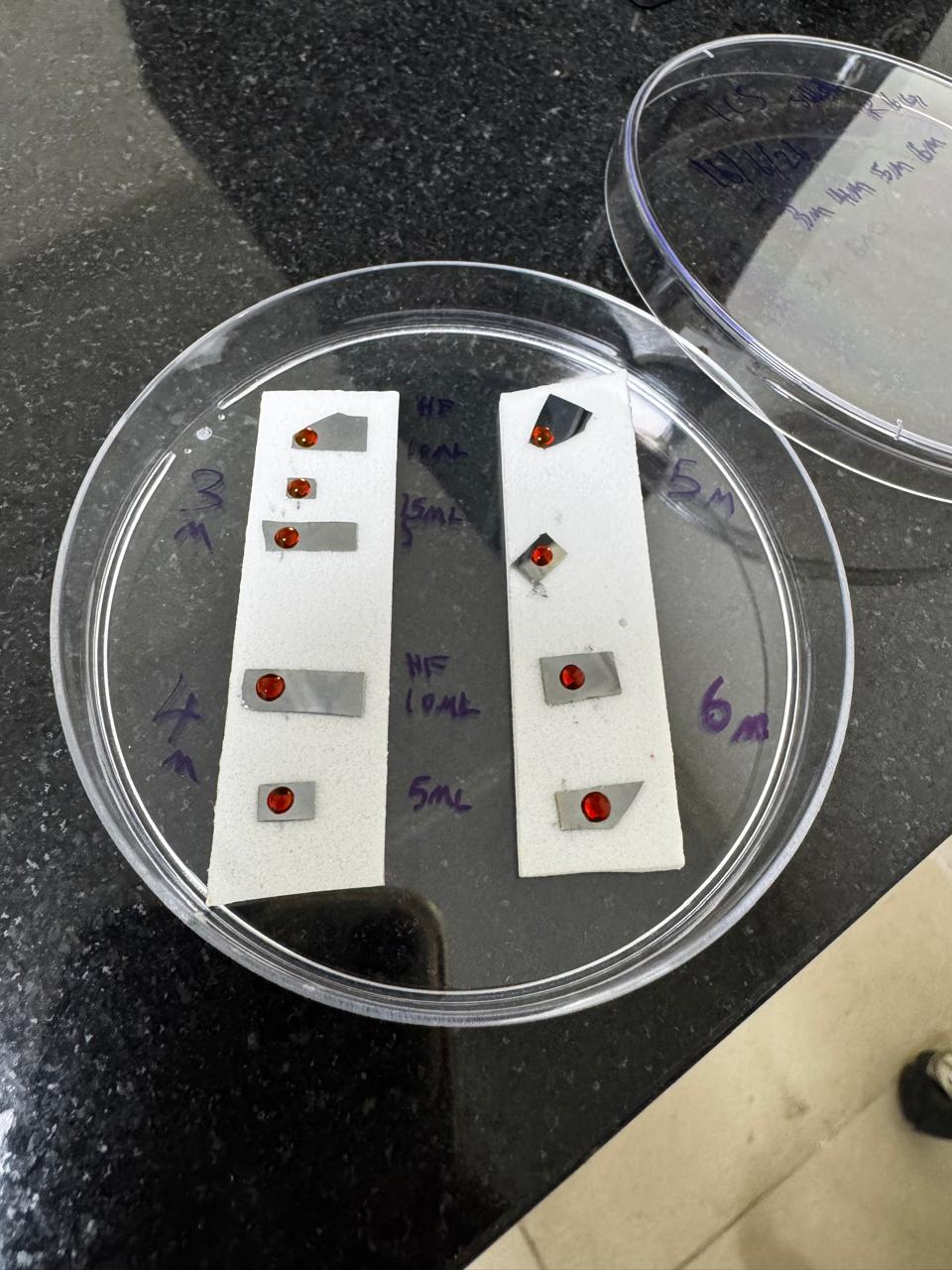
research 2026 — Present- Developing silicon-based Surface-Enhanced Raman Spectroscopy (SERS) biosensors for sensitive, label-free biomarker detection targeting neonatal sepsis.
- Conducting cleanroom microfabrication processes including photolithography and Physical Vapor Deposition (PVD) systems (sputtering, thermal evaporation, e-beam evaporation) to design and fabricate nanostructured sensing platforms.
- Performing structural and morphological characterisation of fabricated substrates using Scanning Electron Microscopy (SEM) and analysing micro/nanostructures.
- Developing Python-based computational pipelines for Raman, FTIR, and SERS spectral preprocessing, including ALS baseline correction, Savitzky–Golay smoothing, peak detection, and spectral feature extraction.
- Validating molecular spectra using Density Functional Theory (DFT) simulations (Gaussian 16, Avogadro) against experimental Raman and FTIR measurements to accurately identify biomarkers such as LPS, LTA, and NAM.
- Conducting experimental optimisation of nanostructured sensing platforms to improve spectral enhancement, reproducibility, and sensitivity for biomarker applications.
Jodhpur City Knowledge and Innovation Foundation (JCKIF)
Internship — Product Management
industry Oct 2024 — Mar 2025- Managed digital product catalogue ensuring accurate listings and metadata consistency.
- Captured and edited product images to enhance visual quality and user appeal.
Atos Syntel
Internship — Software Testing
industry Oct 2022 — Nov 2022- Performed manual and automation testing (functional, integration, regression) within an Agile development environment, collaborating with teams on bug tracking.
KEC College
Workshop Instructor — 4-Day Technical Training
teaching 2024 — 2024- Conducted a hands-on technical workshop for 35+ students covering Computer Hardware, Linux, Web Development, Git, Cloud, and IoT fundamentals.
Publications & Manuscripts
Experimental and DFT-Assisted Raman Characterisation of N-Acetylmuramic Acid
- Acquired high-quality Raman spectra of bulk N-acetylmuramic acid (NAM) under optimized conditions and developed a complete data-processing workflow (baseline correction, smoothing, normalization, reproducibility analysis) to establish a validated reference spectrum for bacterial cell-wall studies.
- Performed Density Functional Theory (DFT) calculations to simulate Raman spectra and accurately assign theoretical vibrational modes, demonstrating the combined utility of experimental and computational methods for identifying NAM in Raman-based diagnostic applications.
Featured Projects
Silicon-Based SERS Biosensor Development
Designing and fabricating silicon-based SERS substrates in a cleanroom environment via photolithography and PVD for improved plasmonic enhancement. Developing computational workflows for Raman, FTIR, and SERS spectral preprocessing for neonatal sepsis biomarker identification.
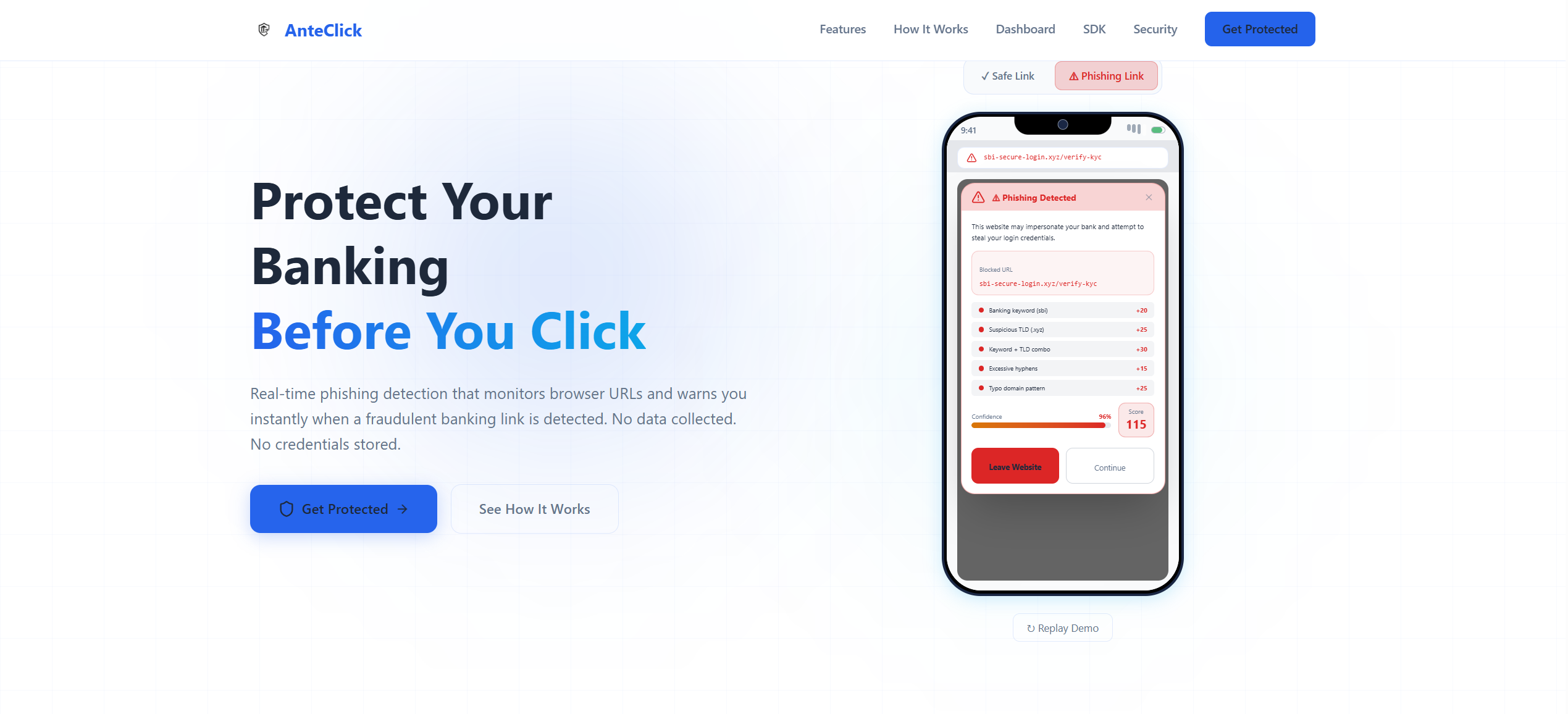
AnteClick — Mobile Banking Phishing Protection
An Android cybersecurity platform and SDK to detect phishing URLs and fake banking apps in under 300ms using Android Accessibility Service for heuristic analysis (typosquatting, homographs) without inspecting private data.
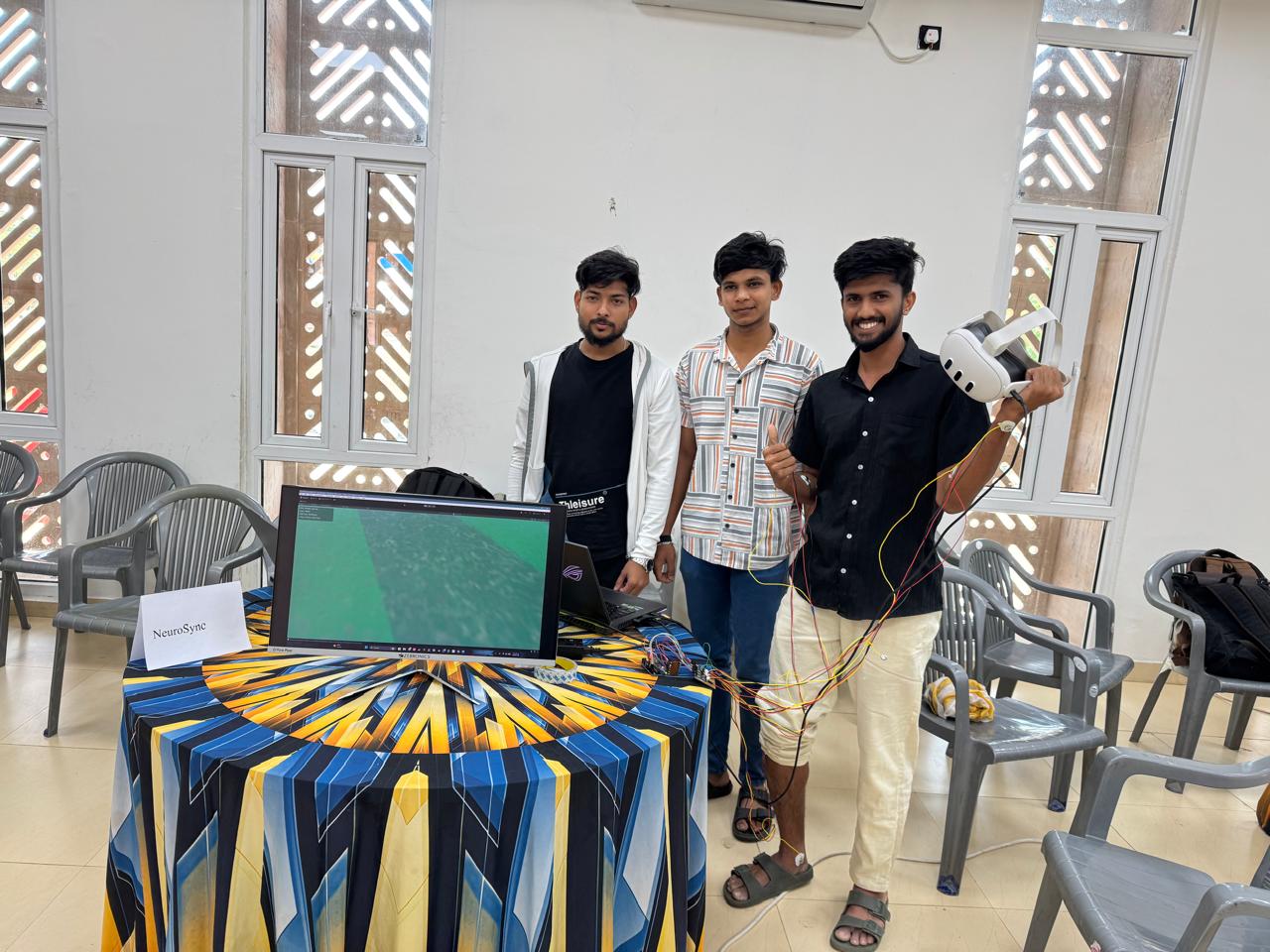
NeuroSync — EMG-Based VR Controller
Built a real-time EMG-based control system for a Unity VR football game. Implemented full signal pipeline: amplification, filtering, envelope detection, and peak confirmation with auto-calibration and rise-only triggering.
Education
Indian Institute of Technology Jodhpur (Joint with AIIMS)
Master in Medical Technology
CGPA: 8.53 / 10Rajasthan, India
Erode Sengunthar Engineering College
Master of Computer Applications (MCA)
CGPA: 7.20 / 10Tamil Nadu, India
Kongu Arts and Science College
B.Sc. Information Technology
CGPA: 6.90 / 10Tamil Nadu, India
Honors & Awards
Finalist – Smart India Hackathon 2024
Recognized for innovative solutions developed under the national hackathon framework.
1st Prize – Website Creation Competition
Awarded for exceptional design, layout execution, and implementation details.
2nd Prize – Code Fighter Competition
Coding and algorithmic challenge showcasing quick problem-solving and efficiency.
Bronze Medal – Inter-Collegiate Taekwondo
Martial arts competition representing collegiate athletic achievement.
Represented Tamil Nadu – Senior National Softball Championship
State-level representation at the national softball championship.